

You’re trying to file your taxes and suddenly you’re locked out of your TurboTax account. Maybe you forgot your password, changed your phone number, or can’t access your email. Whatever the reason, you’re stuck — and tax deadlines don’t wait. This guide walks you through exactly how to regain access, what to do if standard recovery methods fail, and how to avoid this problem in the future.
Why TurboTax Account Access Matters During Tax Season
Losing access to your TurboTax account can affect your finances directly. Your account stores your tax returns, personal information, and filing history.
Key risks of being locked out:
- Missing IRS filing deadlines
- Delayed refunds
- Penalties for late filing
Starting the recovery process immediately is crucial, especially during peak tax season when support lines are busy.

How TurboTax Account Recovery Works
TurboTax accounts use an Intuit login system, shared across QuickBooks, Mint, and other Intuit products.
Common Reasons for Recovery Issues
- Multiple accounts with different emails
- Changed phone number or email
- Intuit flagging suspicious activity
- Multiple wrong password attempts
Recovery usually involves email or phone verification, but additional steps may be needed if you’ve lost access to both.
Step-by-Step Guide to Recover Your TurboTax Account
Scenario A: Forgot Your Password
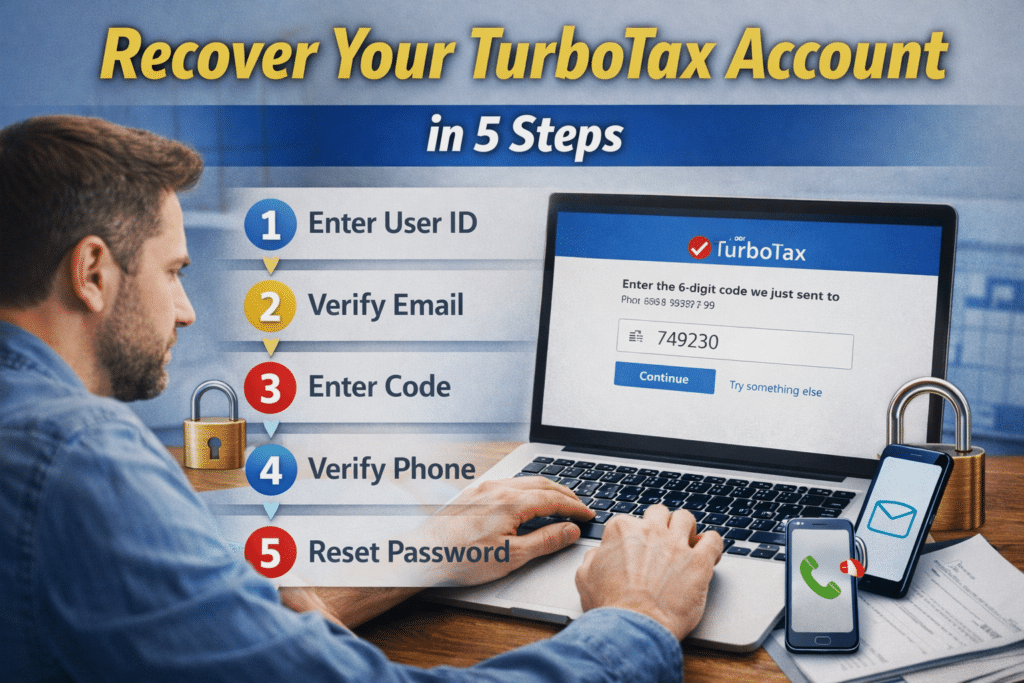
- Go to TurboTax login page and click “Forgot password?”
- Enter the email linked to your account
- Check your inbox (including spam) for the reset link
- Create a new password (minimum 8 characters with letters, numbers, symbols)
- Log in immediately to confirm access
Time estimate: 5–10 minutes
Common mistake: Entering the wrong email — try all emails you may have used.
Scenario B: No Access to Your Recovery Email
- Visit Intuit Account Recovery and select “I don’t have access to this email”
- Provide alternative verification:
- Linked phone number
- Last 4 digits of SSN
- Adjusted Gross Income (AGI) from last year’s tax return
- Enter verification code via SMS or voice and reset password
Time estimate: 15–30 minutes
Success rate: ~75%
Scenario C: Lost Access to Both Email and Phone
- Call Intuit Support: 1-800-446-8848 (5 AM – 5 PM PT)
- Gather:
- Government-issued photo ID
- Most recent TurboTax tax return
- Any account details (creation date, previous addresses)
- Explain situation clearly and follow support guidance
Time estimate: 30–60 minutes
Success rate: ~70%
Pro tip: Call between 8–9 AM ET for shortest wait times.
Scenario D: Account Locked for Security Reasons
- Check email for security alert from Intuit
- Temporary locks from failed logins often resolve in 24 hours
- Urgent cases: contact support with ID documents
Resolution time: 24–72 hours
Scenario E: Additional Identity Verification
- Required if logging in from new device or suspicious activity detected
- Upload:
- Government-issued ID
- Recent utility bill or bank statement
- Last TurboTax return
- Review time: 24–48 hours regular, up to 72 hours peak
Success rate: 85% if documents are complete and clear
Common Mistakes That Delay Recovery
- Using wrong email
- Creating a new account unnecessarily
- Ignoring verification emails
- Waiting until last minute
- Providing incomplete info to support
- Not updating recovery info

TurboTax Recovery: Pros & Cons
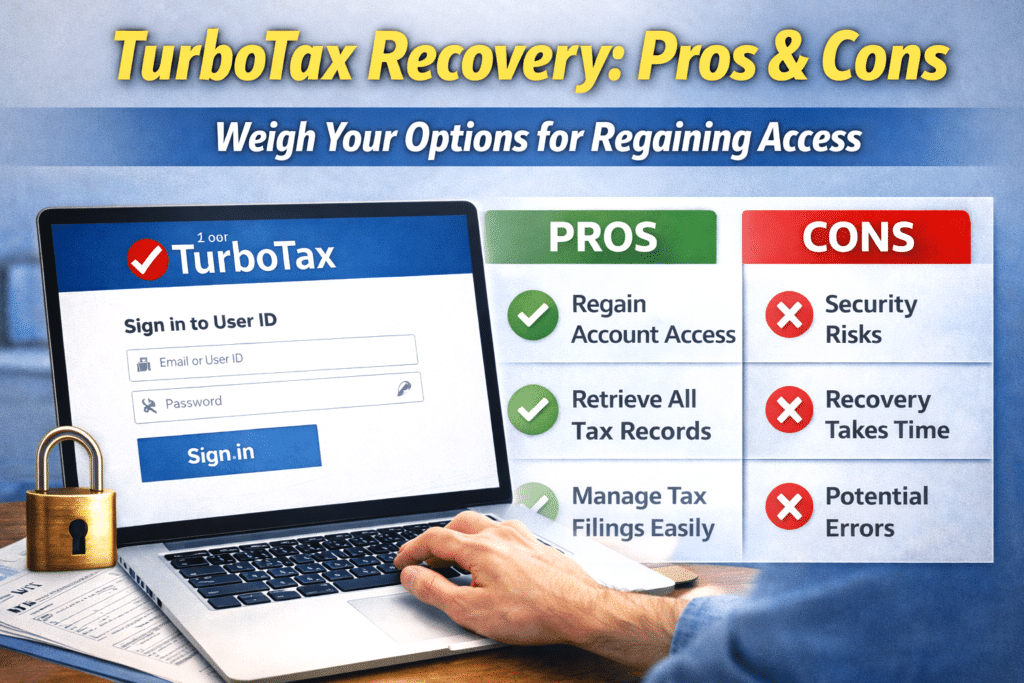
| What Works Well | What Can Be Frustrating |
| Password resets complete in 5–10 minutes with email/phone access | Phone support wait times 45–60 mins during peak season |
| Multiple verification methods | Identity verification 24–72 hours |
| Online recovery available 24/7 | No live chat for complex issues |
| Strong security protects data | Extra security steps feel like obstacles |
| Recovery process is free | Documentation requirements may feel excessive |
| Previous tax returns remain accessible | Cases without email/phone require phone support only |
People Also Ask (FAQs)
Q1: How do I recover my Intuit account?
Visit accounts.intuit.com, click “Forgot password”, follow verification via email or phone. If unavailable, call support with ID and last year’s return.
Q2: How long does TurboTax account recovery take?
Simple resets: 5–10 minutes. Recovery without email/phone: 30–60 minutes. Identity verification: 24–72 hours. Peak season: 50–100% longer.
Q3: Can I recover without email access?
Yes, via phone verification. Without both, contact support with ID and previous tax return.
Q4: What if I can’t access before the tax deadline?
Options: File IRS extension, use alternative software, or contact support to expedite recovery.
Q5: Can I still access old tax returns?
Yes, previous filings remain linked to your Intuit account.
Q6: Why is my account locked?
Multiple failed logins, suspicious activity, or unusual locations. Check Intuit emails for details.
Q7: How to contact Intuit support?
Call 1-800-446-8848, 5 AM–5 PM PT. Early morning calls reduce wait time.
Expert Tips to Prevent Future Lockouts
- Update recovery info every summer
- Enable two-factor authentication
- Create secure note with login info
- Save TurboTax confirmation emails in a folder
- Test login credentials in January
- Contact support immediately if unusual activity occurs
- Keep physical copies of last 3 years’ tax returns
When to Seek Additional Help
- Suspected identity theft → IRS Identity Theft Hotline: 1-800-908-4490
- Multiple unfiled returns → CPA or Enrolled Agent
- Complex tax situations (self-employment, investments, foreign accounts, divorce) → professional help
- IRS notices → respond promptly
- State tax issues → contact state tax department
- Taxpayer Advocate Service → for unresolved hardship
Final Thoughts
Regaining TurboTax account access is stressful but solvable. Most users recover in 24–72 hours with proper steps. Start with the simplest solution: password reset if email accessible, call support if lost email/phone, follow instructions if account locked. Don’t wait until the last minute. Security measures exist to protect sensitive information. Previous returns and documents remain secure and accessible after recovery.
Important Disclaimer
This article is for informational purposes only and does not constitute financial, legal, or tax advice. Consult qualified tax professionals for guidance specific to your situation.
